
Give sound its space.
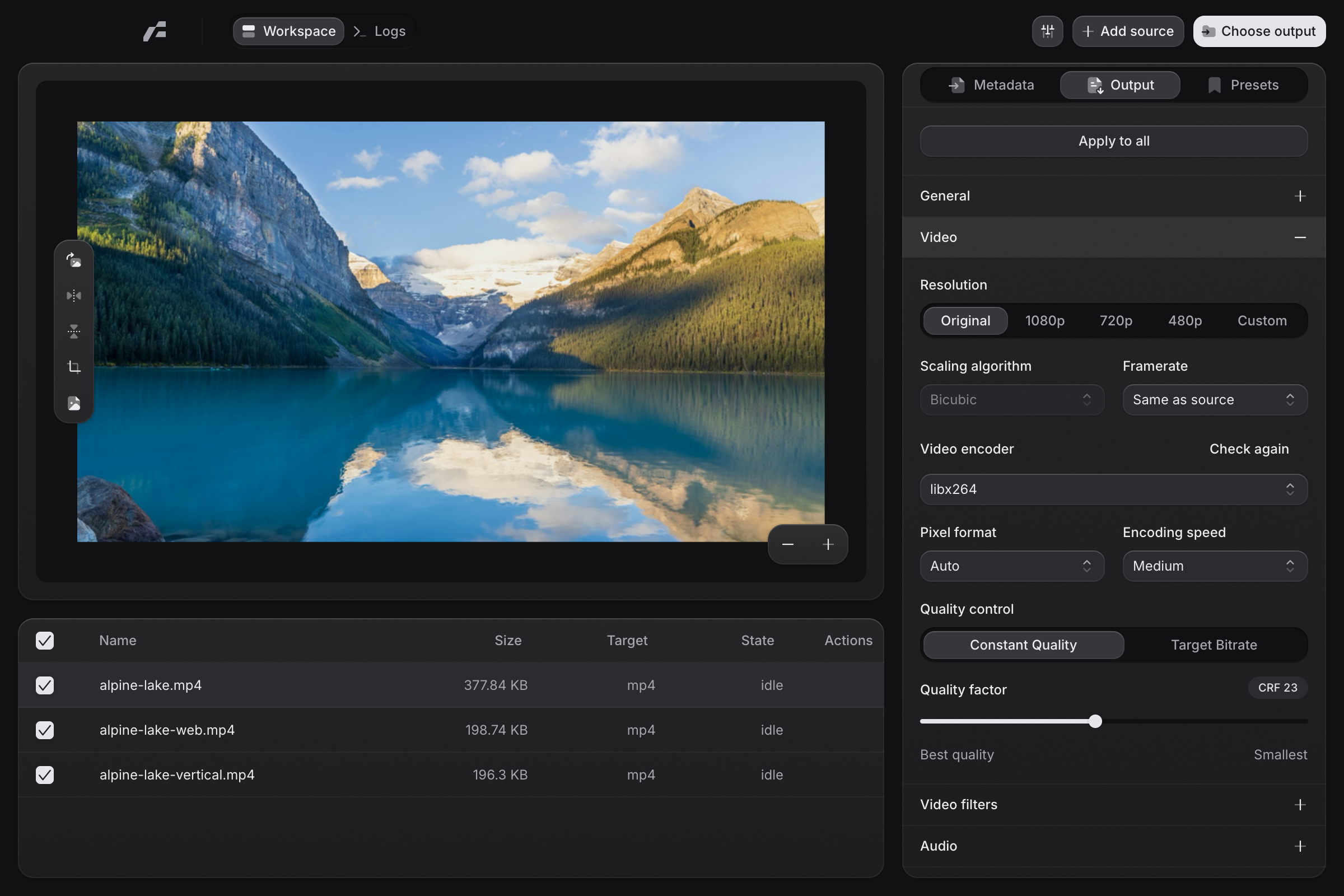
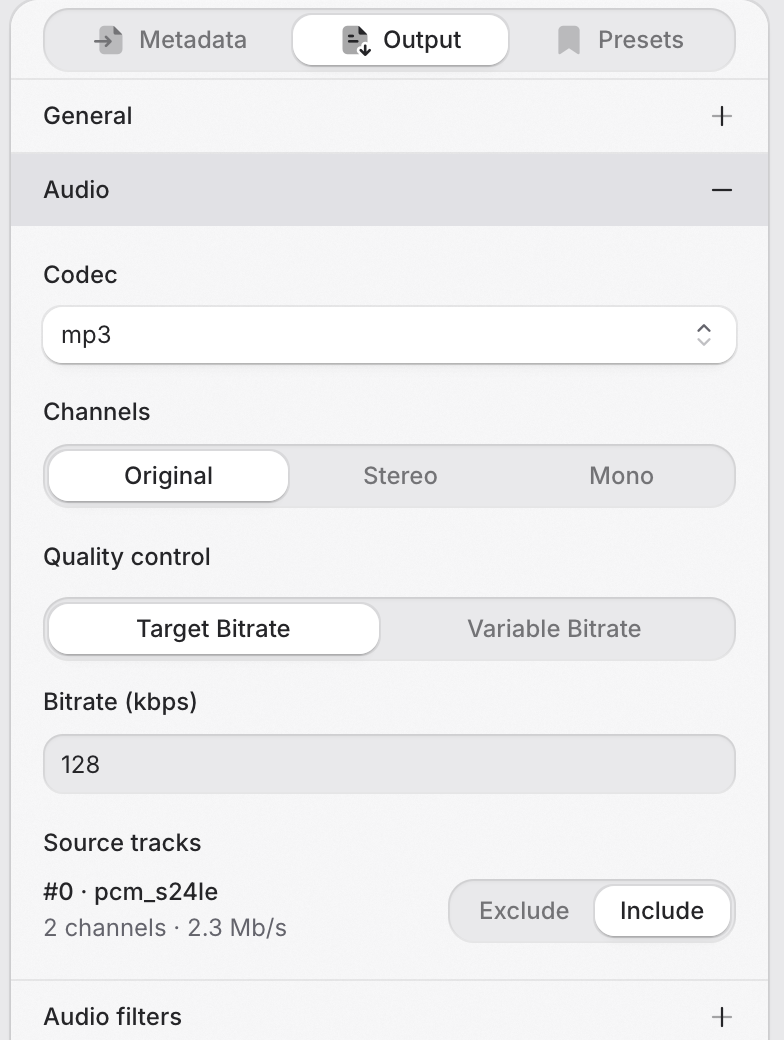
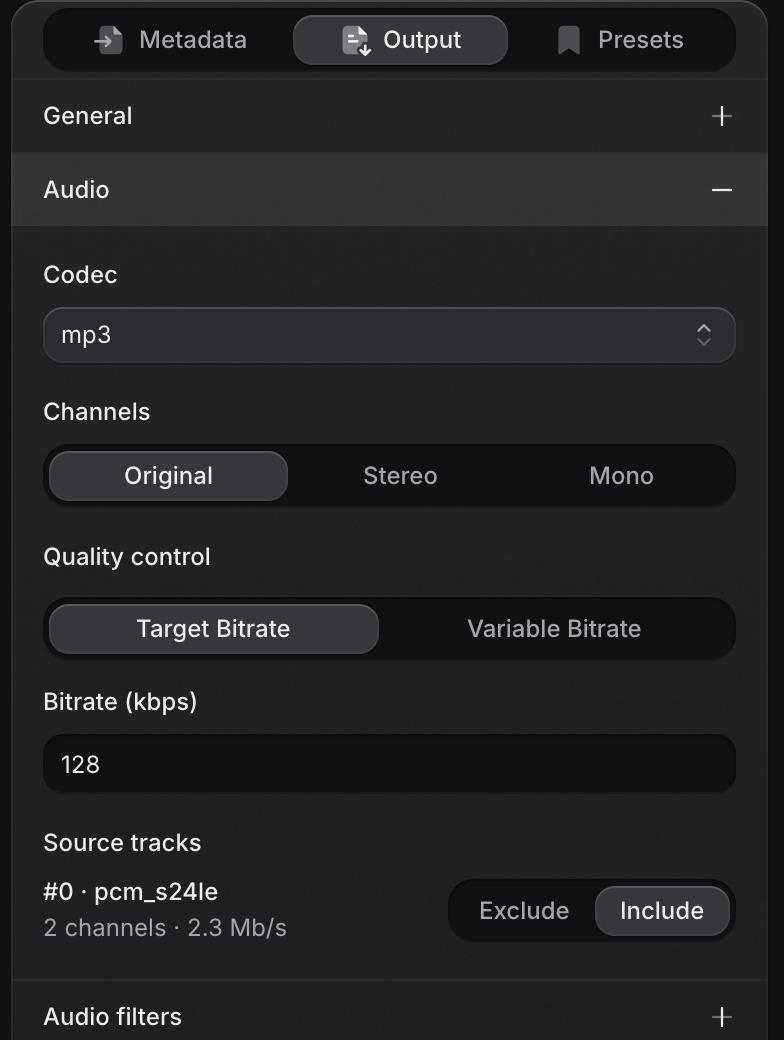
Choose the codec, channels, and bitrate. Export a recording, extract a soundtrack, or keep a lossless copy.
Video, audio, and images. All in a native app.
The power of FFmpeg,
with a little more control.
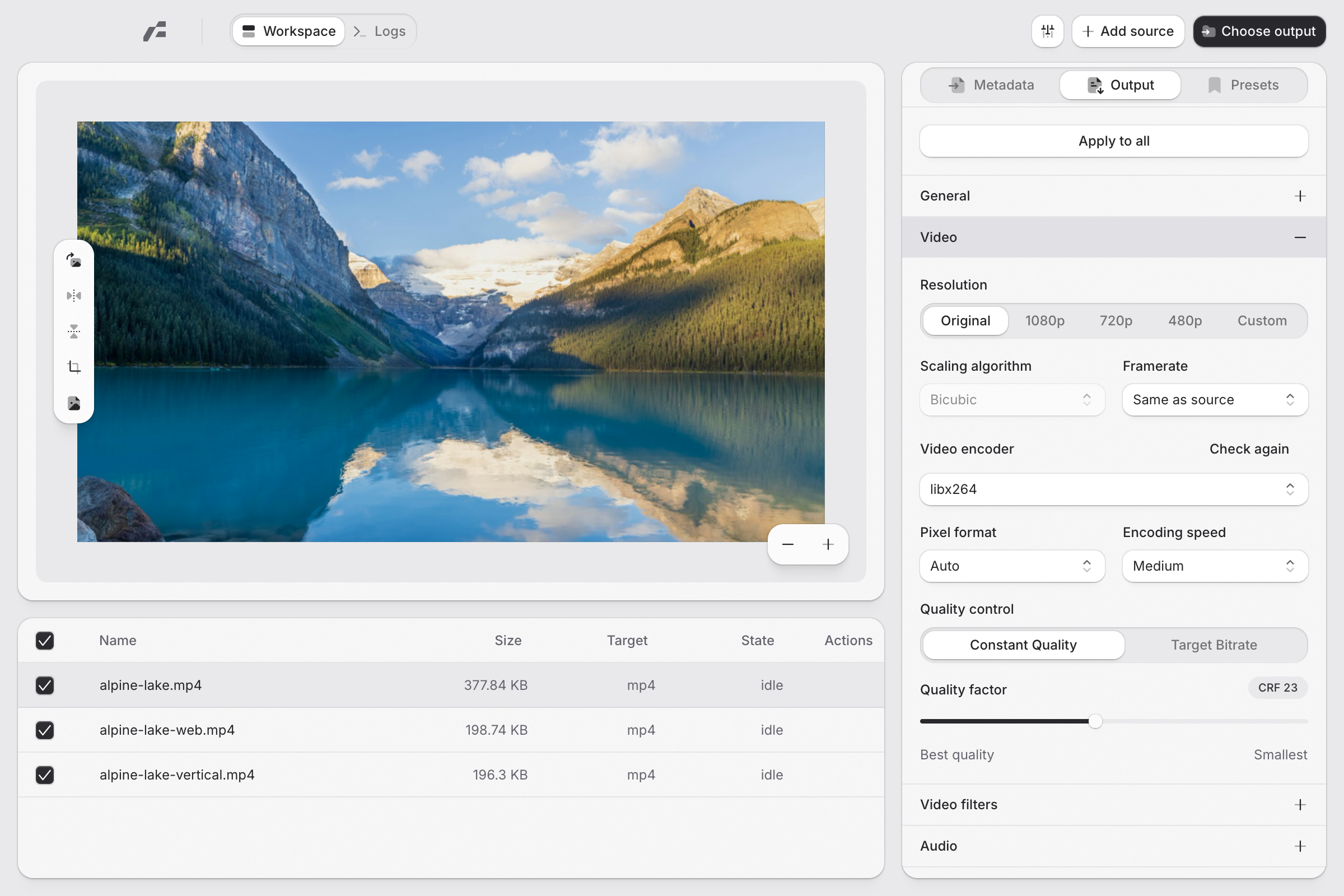
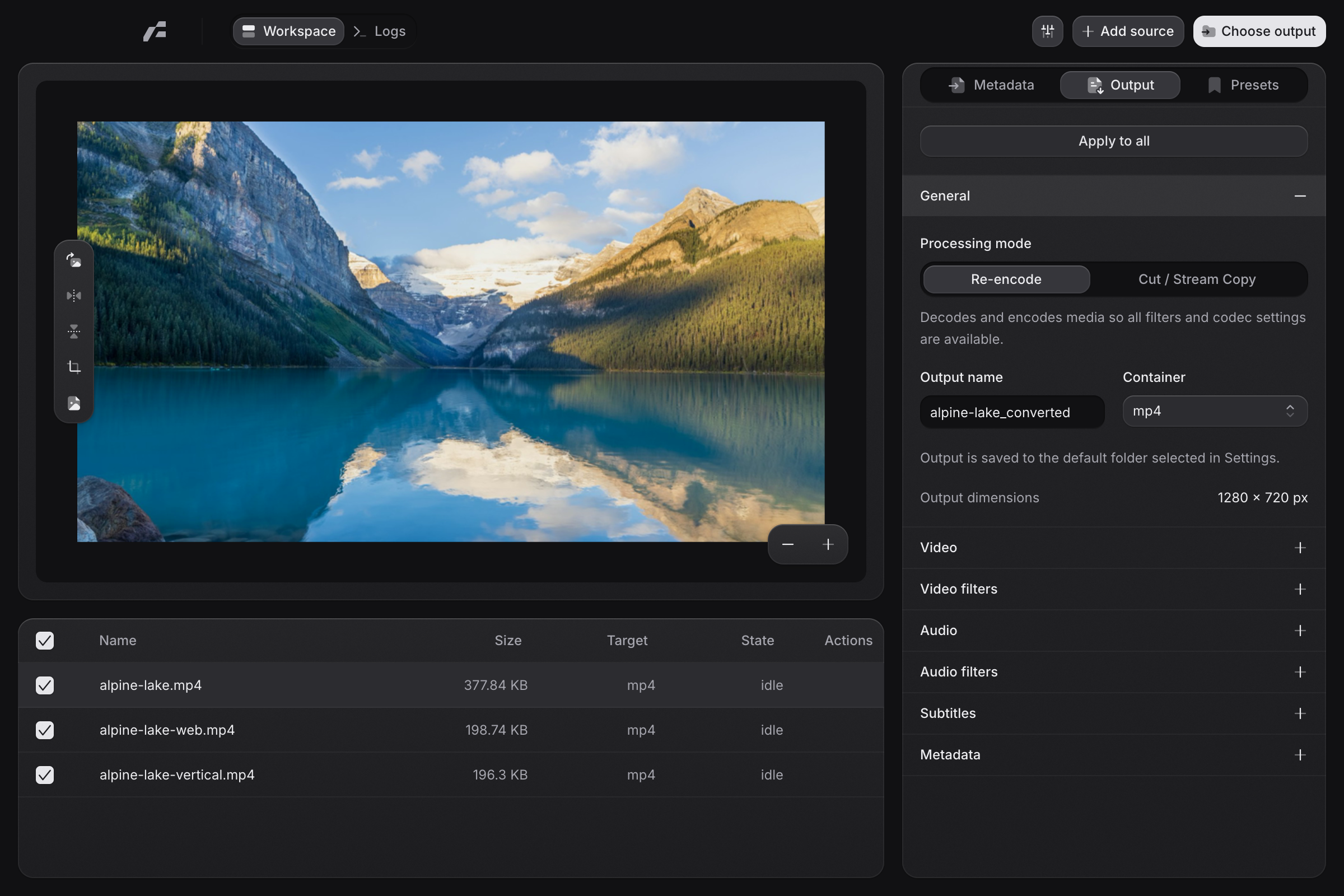
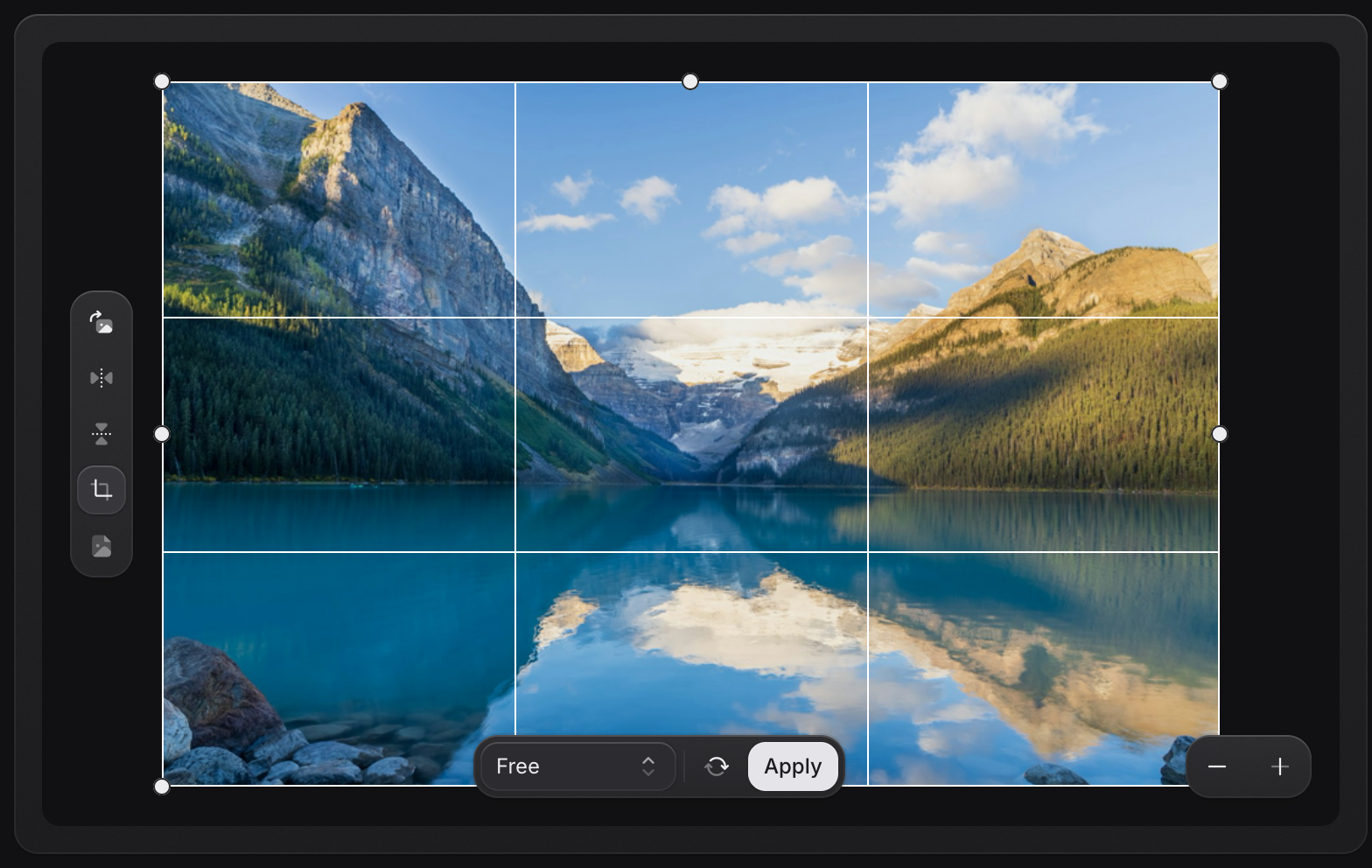
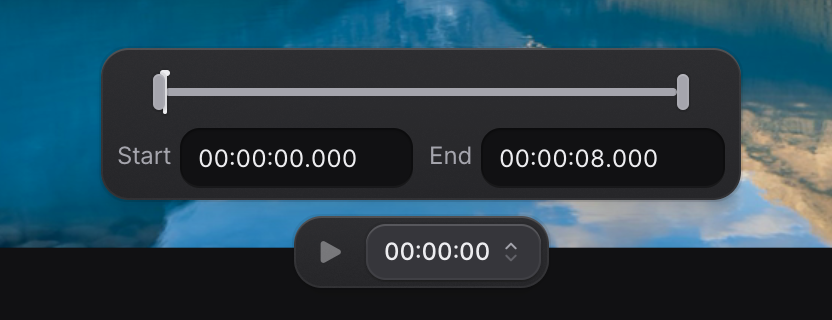
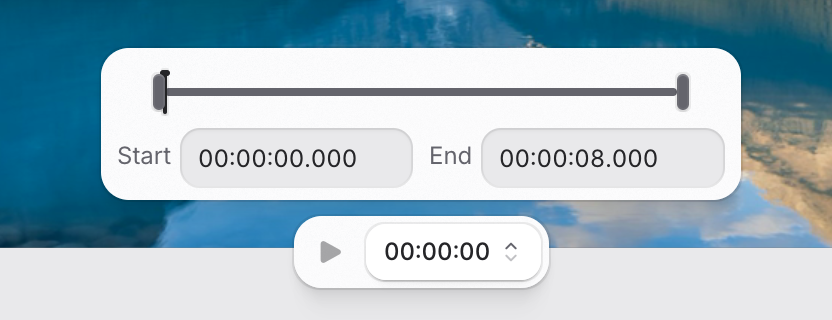
Trim the moment. Find the right crop. Adjust your output with the preview and controls in view, so every decision stays connected to your media.
Explore the preview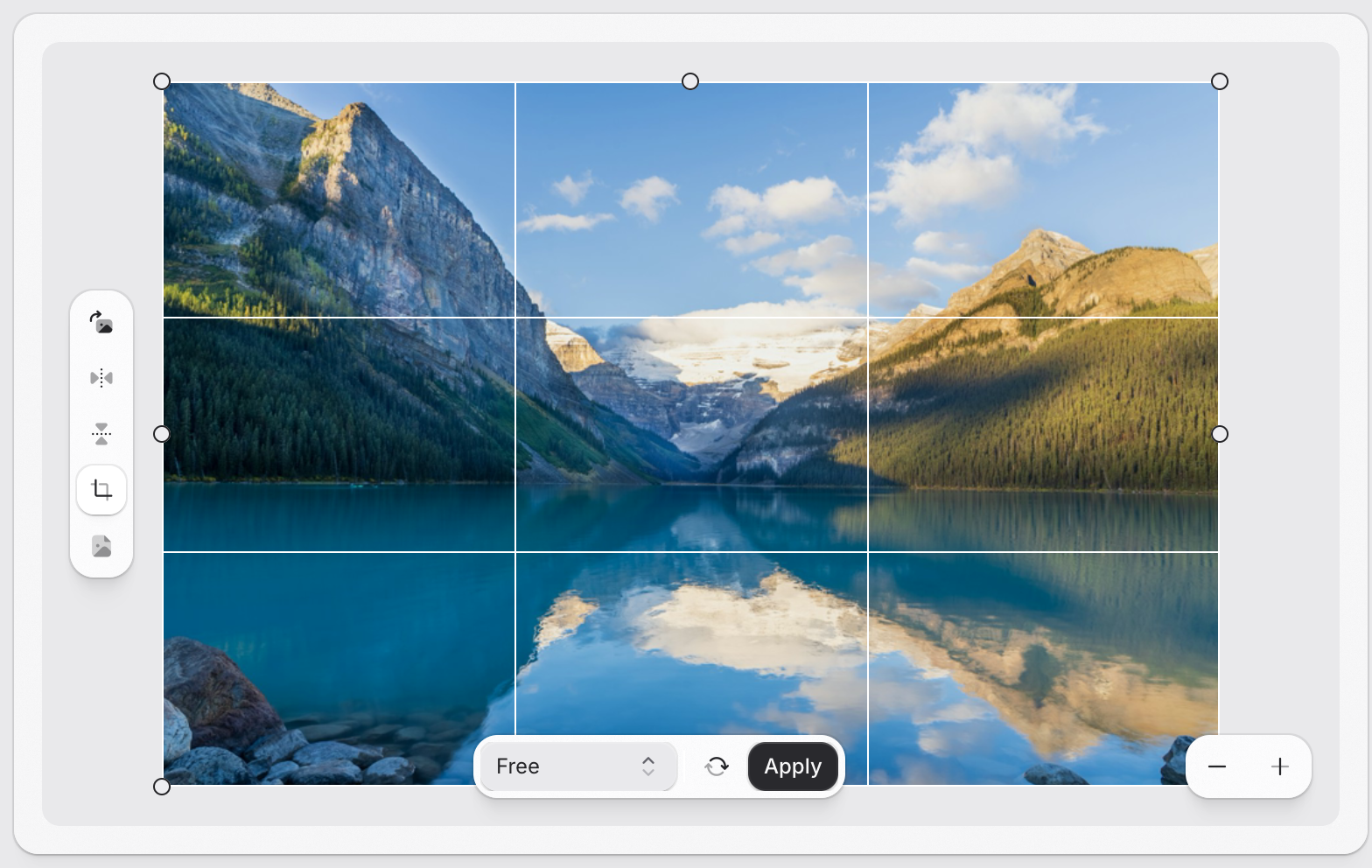
Make room for the details.
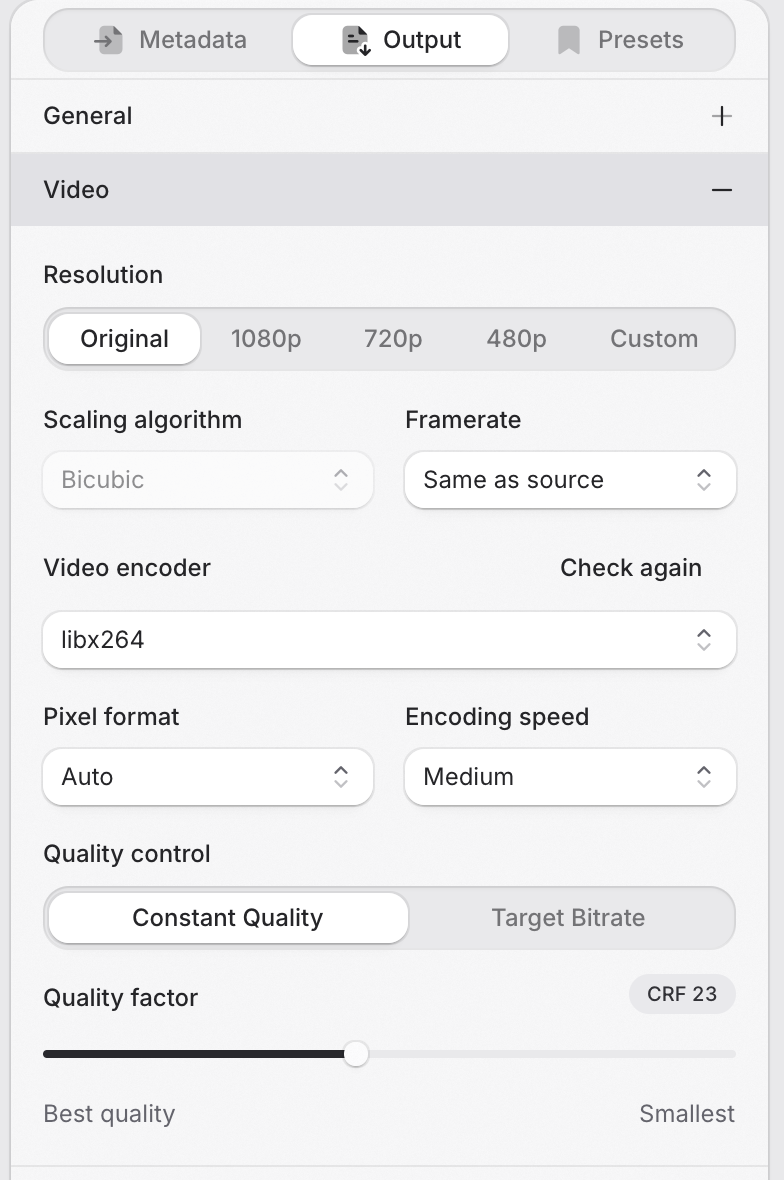
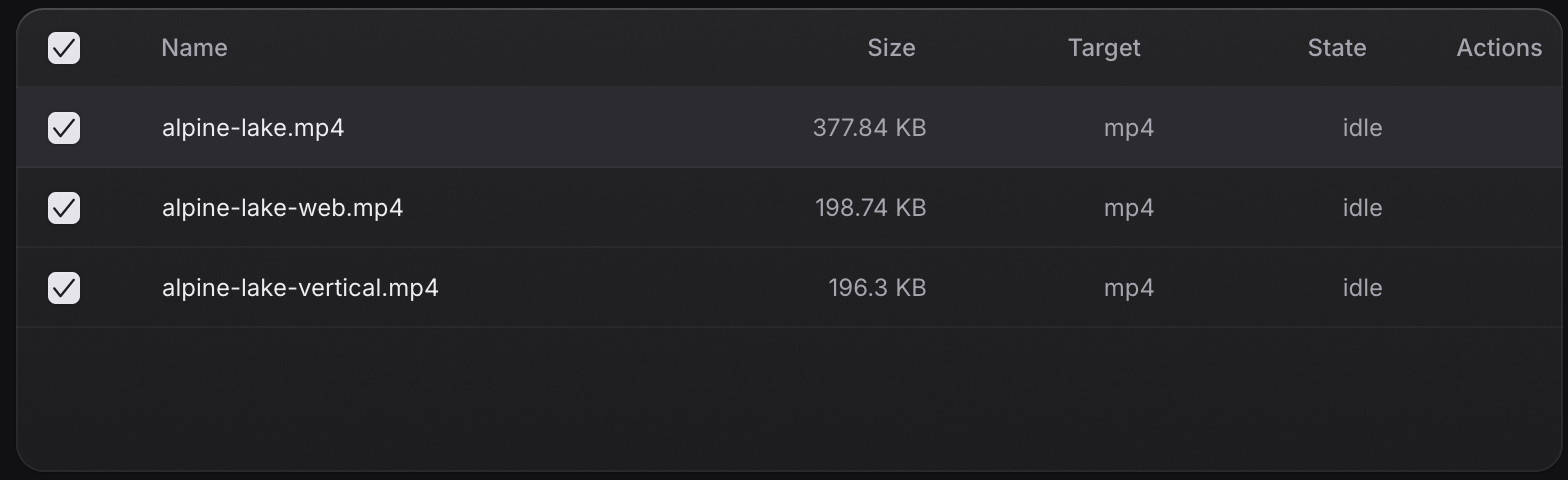
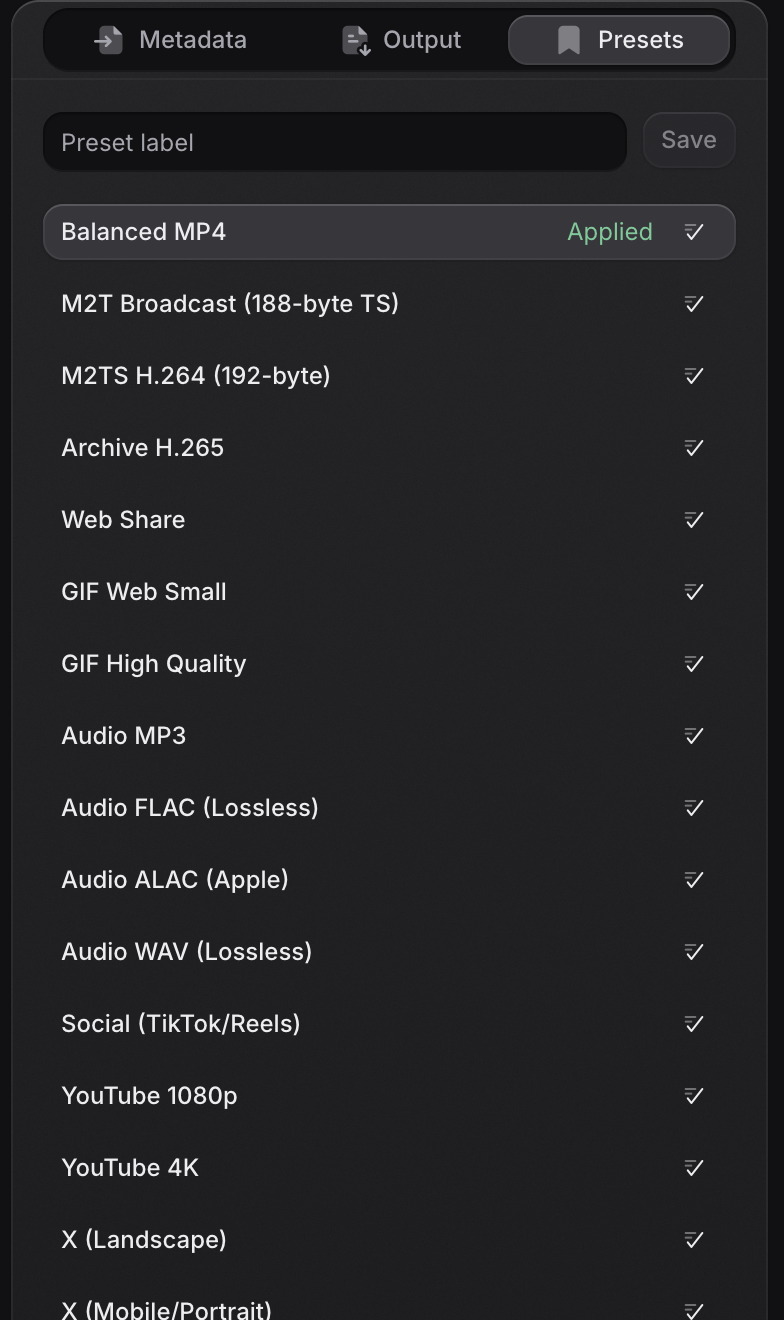
Bring your files into one queue. Start with a preset, tune the output, and apply your settings across a batch. Save what works for the next time.
Explore batch conversion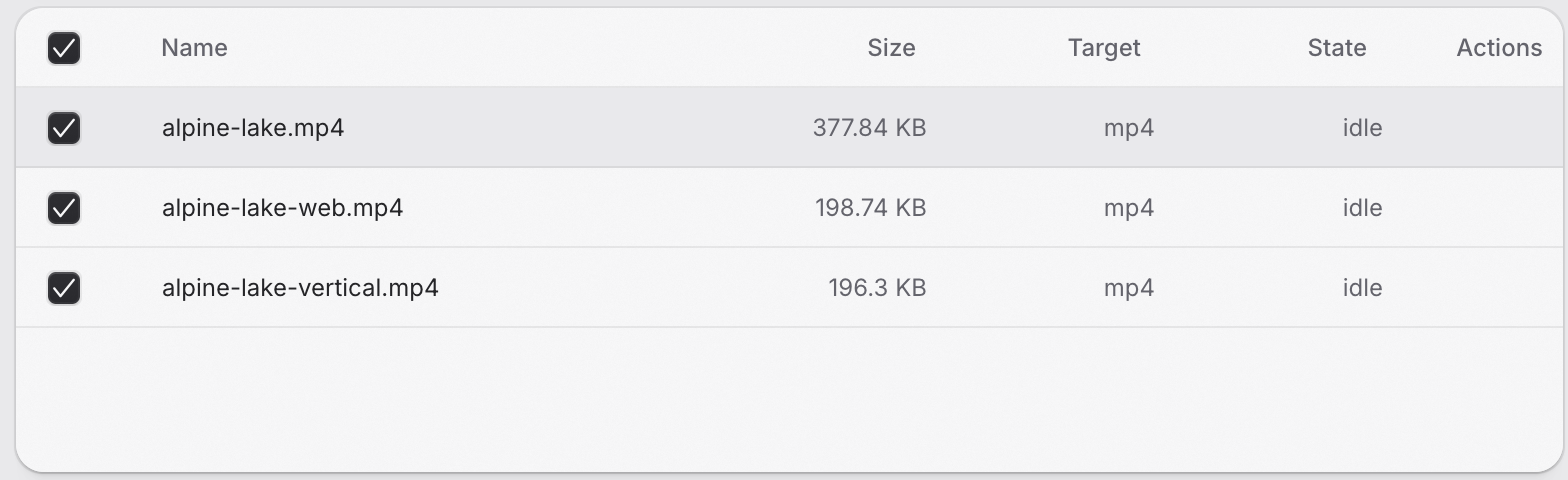
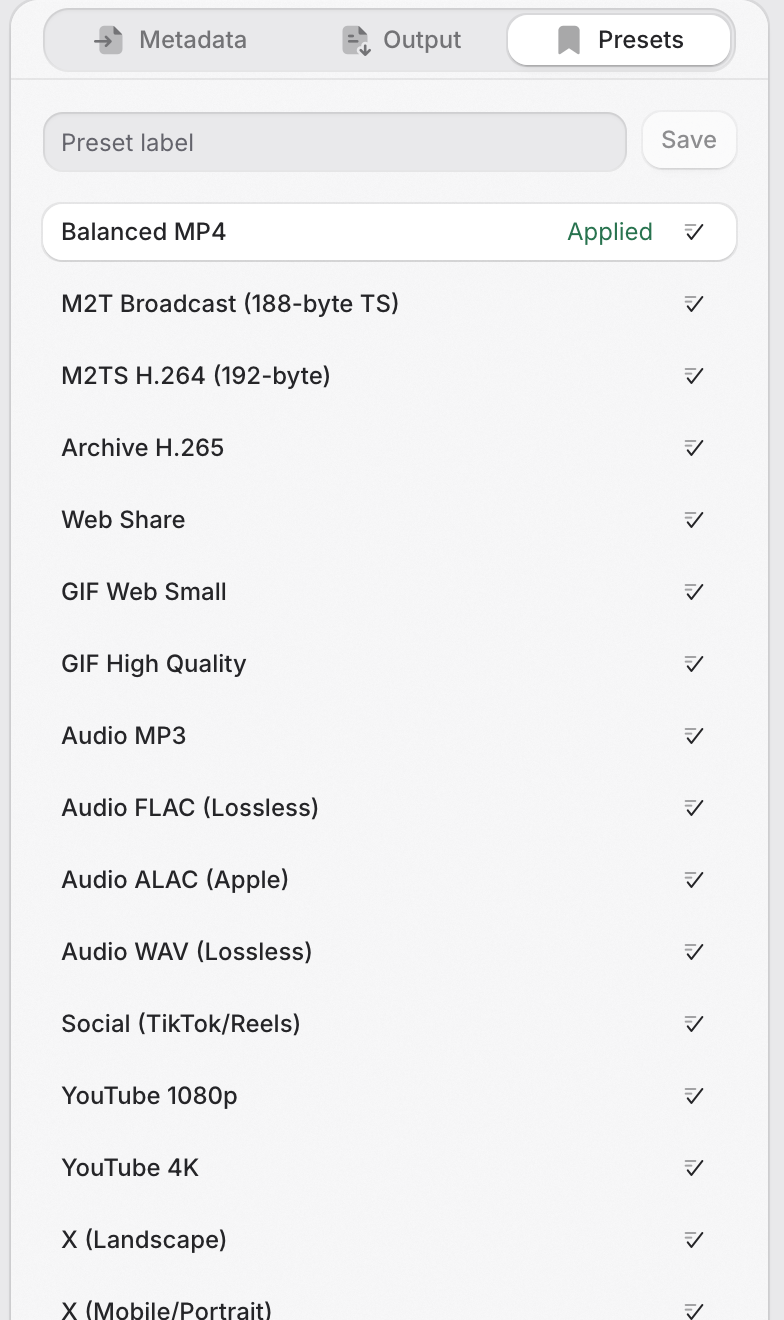
Less setup. More doing.
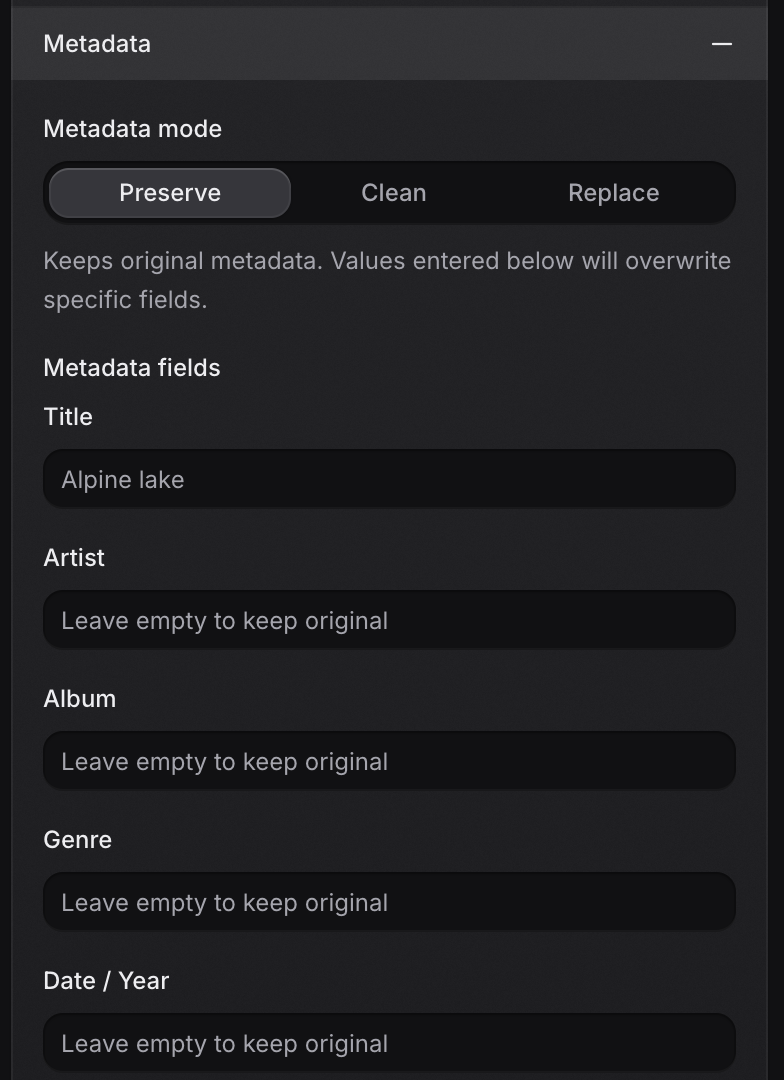
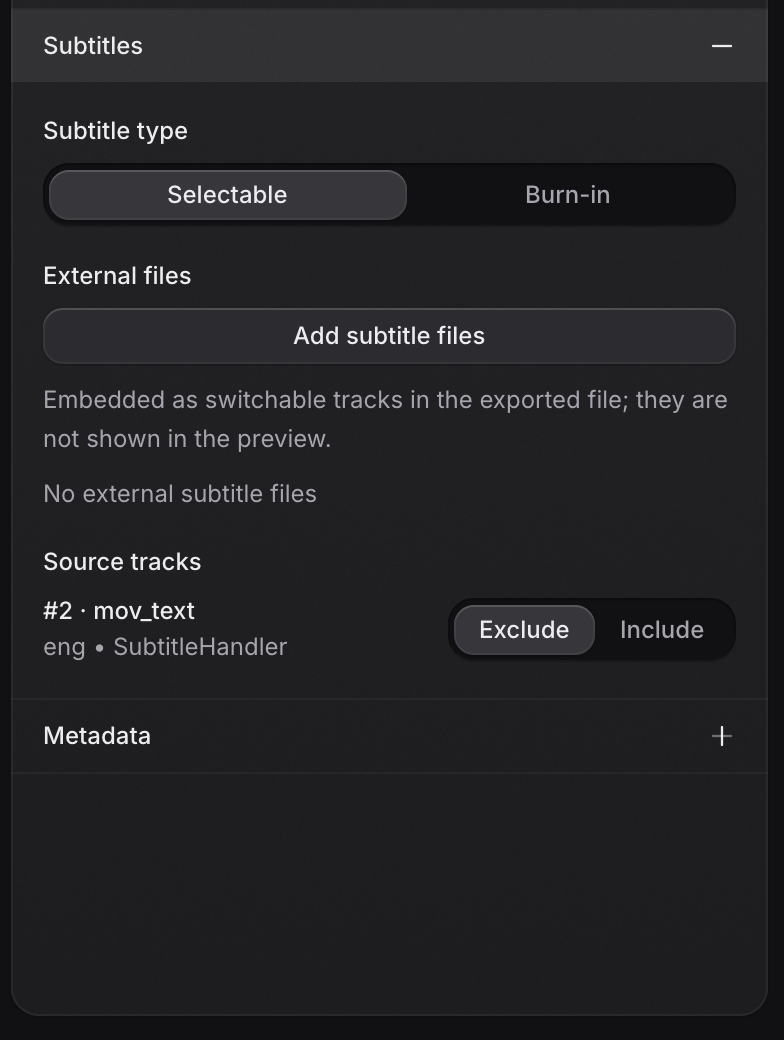
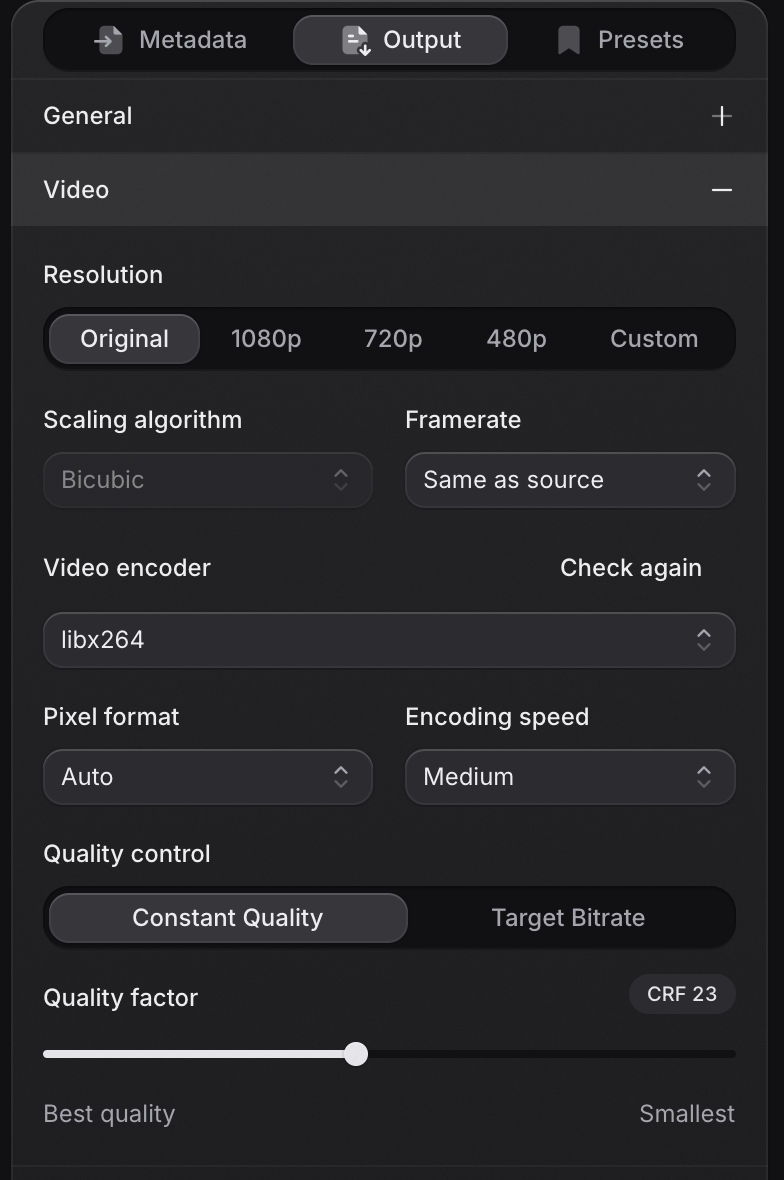
A format is only the beginning. Choose what your output keeps, how it sounds, and which information comes along.
Choose the codec, channels, and bitrate. Export a recording, extract a soundtrack, or keep a lossless copy.
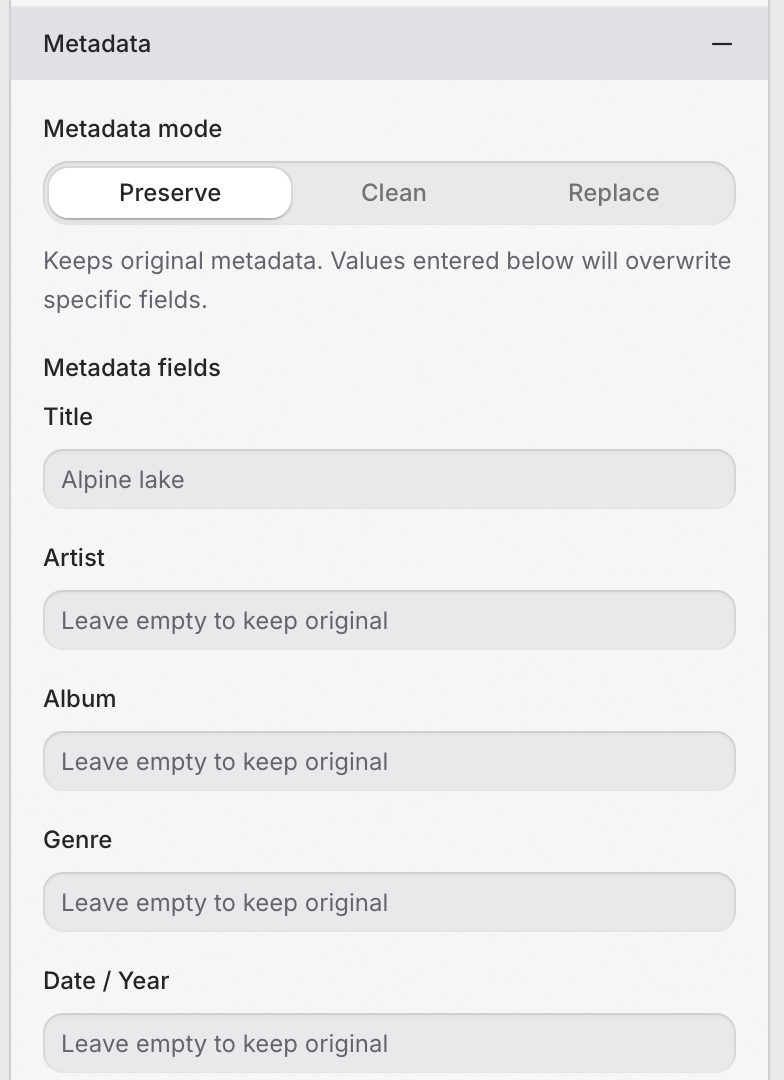
Review the metadata that travels with your files. Keep the tags you need, edit them, or remove them from your output.
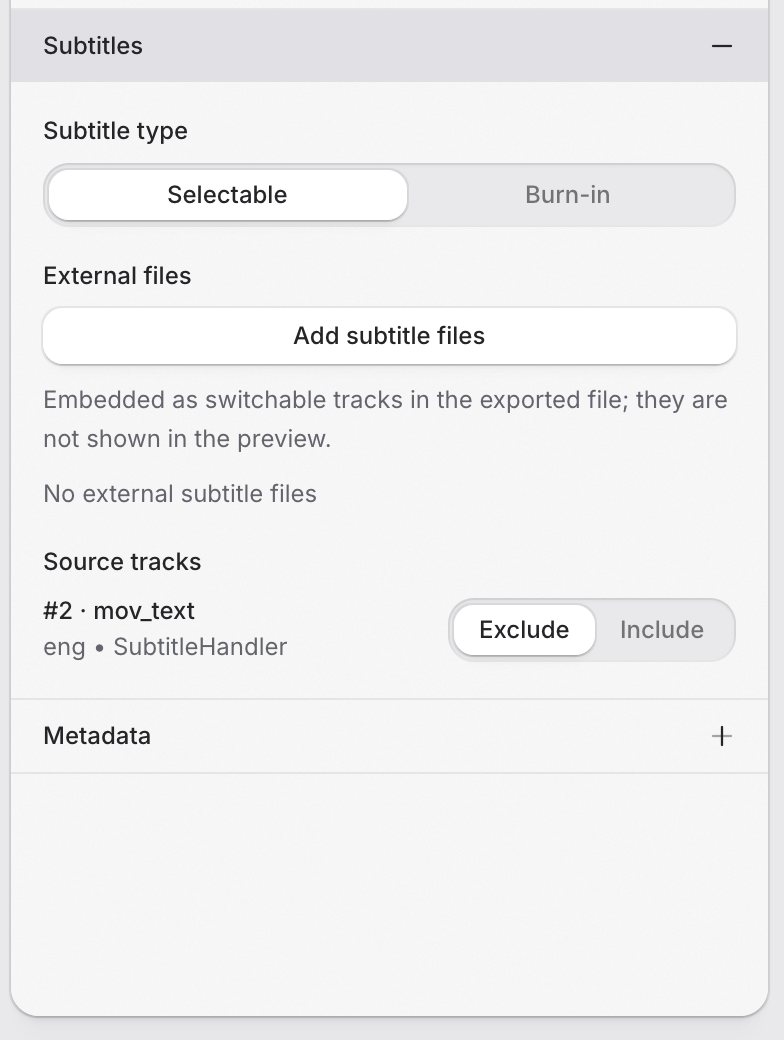
Choose the subtitle tracks for your output or bring your own subtitle file. Keep the right language with the right video.
Frame runs FFmpeg on your machine. Your footage, recordings, and images stay out of a cloud conversion queue.
See how Frame is built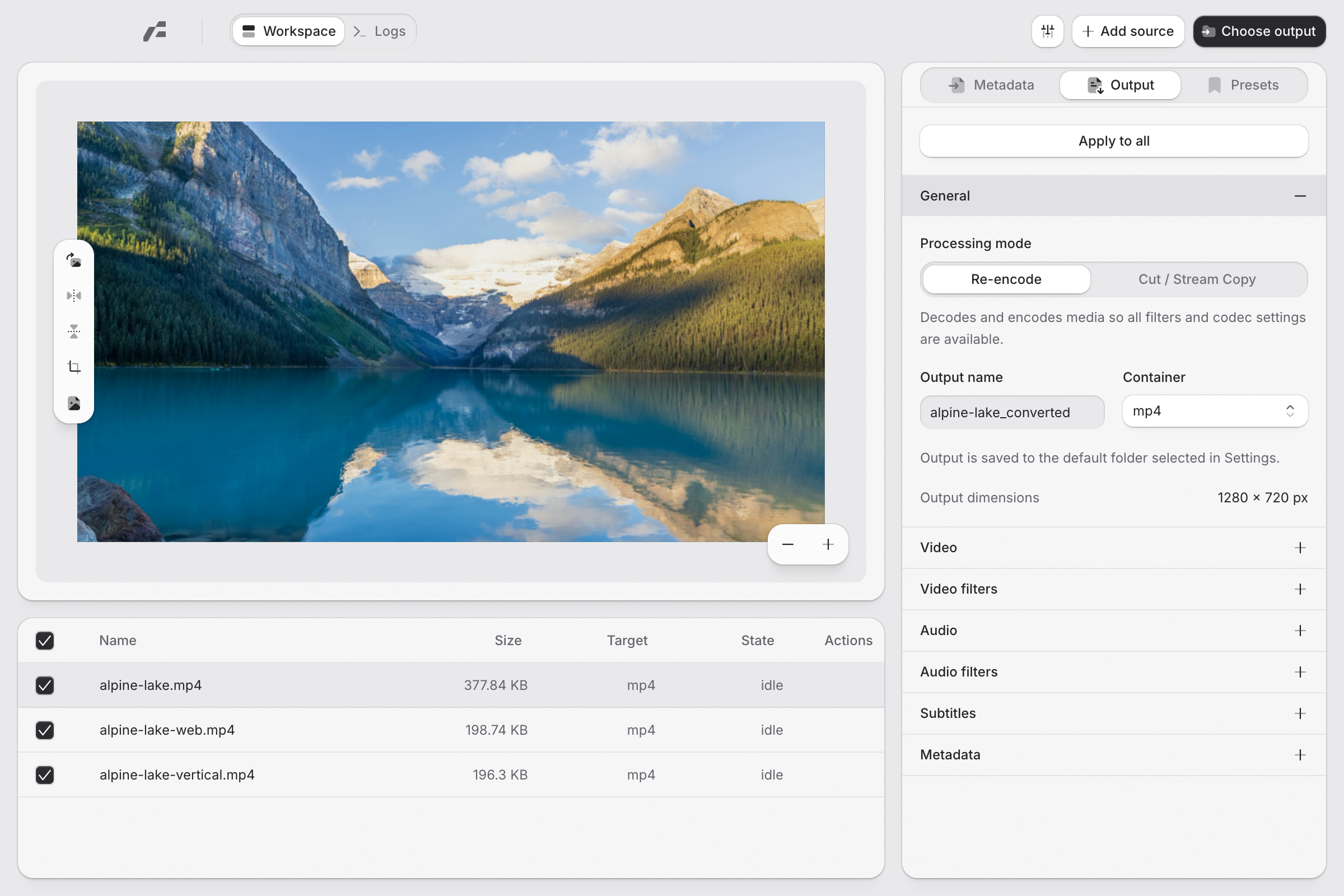
Built with Rust and GPUI. A desktop workspace that feels at home.
Local conversion with FFmpeg. Hardware encoding on supported systems.
Free to use. Source available under GPLv3, for anyone to explore.
Free and open source.
Pick your platform and bring your files.
For Apple Silicon and Intel Macs.
For 64-bit Windows PCs.
Find practical guides and help with your first conversion in the documentation.
Yes. Frame is free and open source under the GPLv3 license. You can use it, inspect the source, and contribute on GitHub.
Media conversion runs locally with FFmpeg. Your files are not uploaded to a conversion service. Frame connects to GitHub when checking for application updates.
The published desktop packages include FFmpeg and FFprobe. Download Frame for your operating system and follow the installation guide. Building from source has a separate setup step.
Yes. Add files to the queue, choose a preset or adjust each file’s output settings, select an output folder, and start the checked items. You can set the maximum number of concurrent conversions in Settings.
Frame can use VideoToolbox on macOS and NVIDIA NVENC on Windows when the codec and hardware support it. The Linux packages use software encoders. Available options depend on your system.